
The Complete Guide to AI Lesson Creation
- NexTeach 360
- Nov 28, 2025
- 3 min read
Introduction
Lesson planning takes time. Teachers research topics, design activities, build worksheets, choose resources, and prepare explanations. In many schools, teachers create their own materials every day, often late at night or on weekends.
AI lesson creation is changing this. With the right tools, teachers can generate complete, well structured lessons in seconds, then personalize them for their students. This guide explains how AI lesson creation works, why it saves so much time, and how teachers can use it effectively in real classrooms.
1. What is AI lesson creation?
AI lesson creation is the process of using artificial intelligence to generate full teaching materials, including:
• Lesson plans
• Learning objectives
• Warm up questions
• Vocabulary lists
• Main explanations
• Activities
• Quizzes
• Assessments
• Homework
• Stories or examples
• Differentiated versions
The teacher chooses a topic, grade level, language, or subject, and the AI produces high quality lesson content instantly.
Teachers then review and adjust the materials to match their style, students, and curriculum.
2. Why AI lesson creation matters
Teachers often work long hours preparing lessons. AI lesson creation helps by:
Saving time
A lesson that takes one hour to build can now be generated in seconds.
Supporting differentiation
AI can rewrite lessons for beginners, intermediate learners, or advanced students.
Helping multilingual classrooms
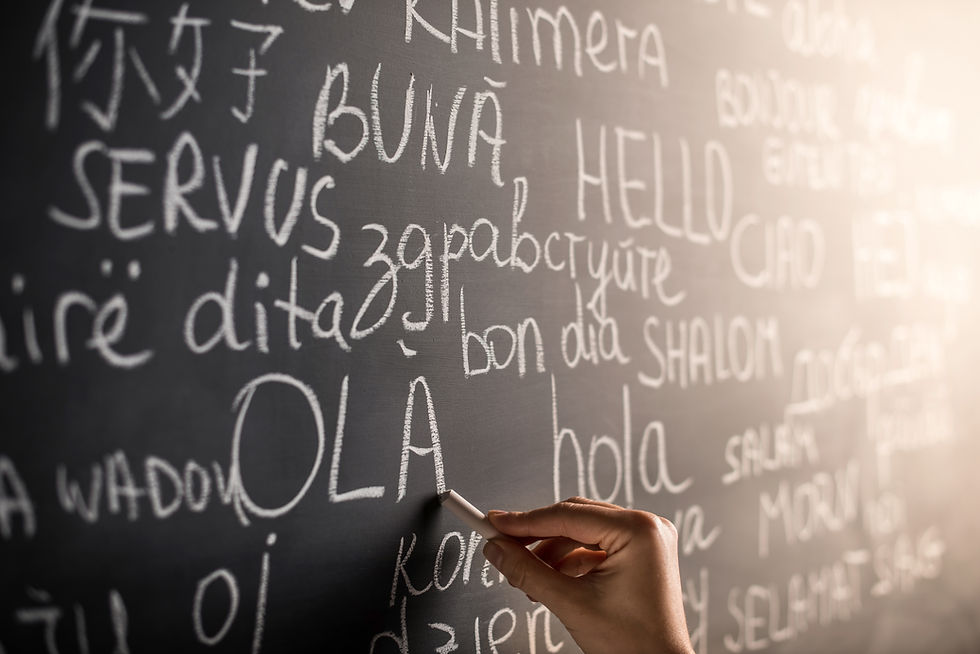
AI can generate lessons in many languages and create multiple versions of the same content.
Reducing stress
Teachers no longer start from a blank page. AI gives them a strong starting point.
Creating more engaging activities
AI can generate games, stories, challenges, and interactive ideas.
Helping teachers focus on teaching
Less time planning means more time with students.
3. What an AI generated lesson usually includes
A high quality AI lesson often includes:
Lesson title and summary
Clear explanation of the topic.
Learning objectives
What students will understand by the end.
Warm up activity
A short starter to activate prior knowledge.
Vocabulary list
Key words with definitions or examples.
Teacher explanation
Simple and clear main content.
Student activity
Task based or creative exercises.
Practice questions
Multiple choice, open ended, or discussion prompts.
Assessment or exit ticket
Quick check for understanding.
Homework suggestion
A short extension activity.
Differentiation suggestions
Ideas for advanced or struggling learners.
Multilingual versions
If needed, the same lesson in different languages.
NexTeach 360 includes these elements automatically.
4. How teachers use AI lesson creation
Step 1: Choose the topic
Teachers enter the subject or theme they want to teach.
Examples:
• Photosynthesis
• Fractions
• The Solar System
• Simple past tense
• Reading comprehension
• Classroom vocabulary
Step 2: Select age or level
AI adjusts the difficulty and reading level.
Step 3: Select the language
Teachers can generate lessons in one or more languages.
Step 4: Generate the lesson
AI produces a full lesson instantly.
Step 5: Review and personalize
Teachers edit the content to fit their style or curriculum.
Step 6: Add interactive elements
VR scenes, 3D models, quizzes, games, or activities.
Step 7: Teach and adapt
Teachers use the lesson in class and modify it based on student needs.
5. Best practices for using AI lesson creation
Check accuracy
Always review the lesson before teaching. AI tools are fast but teachers know the students best.
Keep the student goals clear
Focus on what you want students to learn, not just what the AI generates.
Add your personality
Use your examples, voice, or teaching style.
Differentiate when needed
Generate easier or more advanced versions to support your students.
Use visuals or VR when possible
Pictures, 3D models, or scenes help students understand better.
Combine AI with traditional methods
Use AI as a helper, not a replacement.
6. How NexTeach 360 improves AI lesson creation
NexTeach 360 provides a complete AI powered teaching environment. Teachers can:
• Generate full lessons instantly
• Create multilingual versions
• Rewrite lessons for different levels
• Build stories, dialogues, and vocabulary lists
• Create quizzes and assessments
• Use VR scenes and 3D objects
• Add interactive learning modules
• Manage lessons and activities in one place
This makes lesson planning faster, easier, and more engaging.
7. Who benefits from AI lesson creation?
• Teachers with limited planning time
• ESL and multilingual classrooms
• International schools
• Substitute teachers
• Tutors
• Beginning teachers
• Large class environments
• Schools with diverse learning needs
AI supports both experienced and new educators.
Conclusion
AI lesson creation is transforming teaching by reducing preparation time and helping teachers create high quality, level appropriate, and multilingual lessons. It brings creativity, speed, and flexibility to the planning process.
NexTeach 360 takes AI lesson creation to the next level with built in VR tools, interactive activities, and complete multilingual support. Teachers can deliver better lessons, support more students, and focus on what truly matters: teaching and learning.


Comments